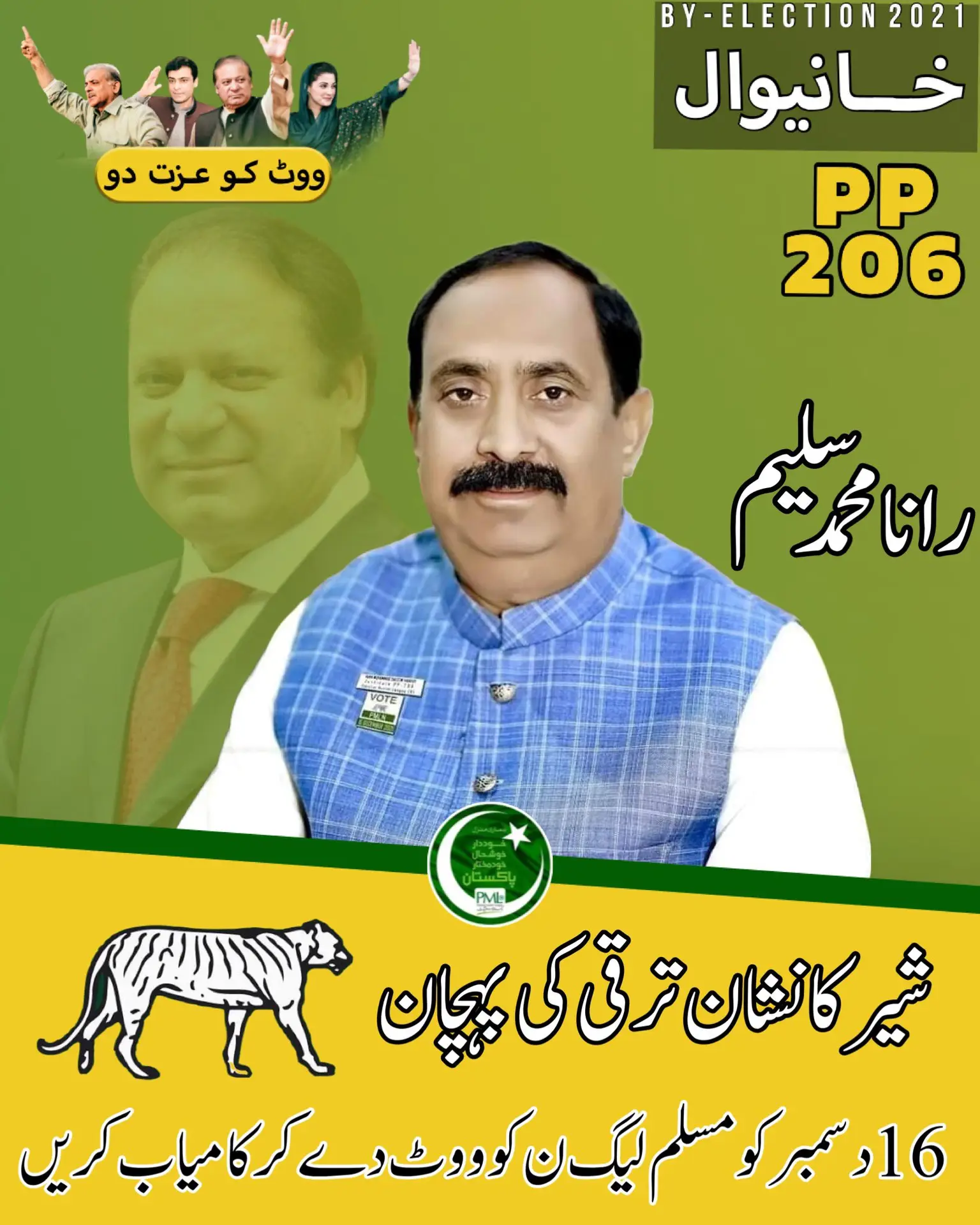
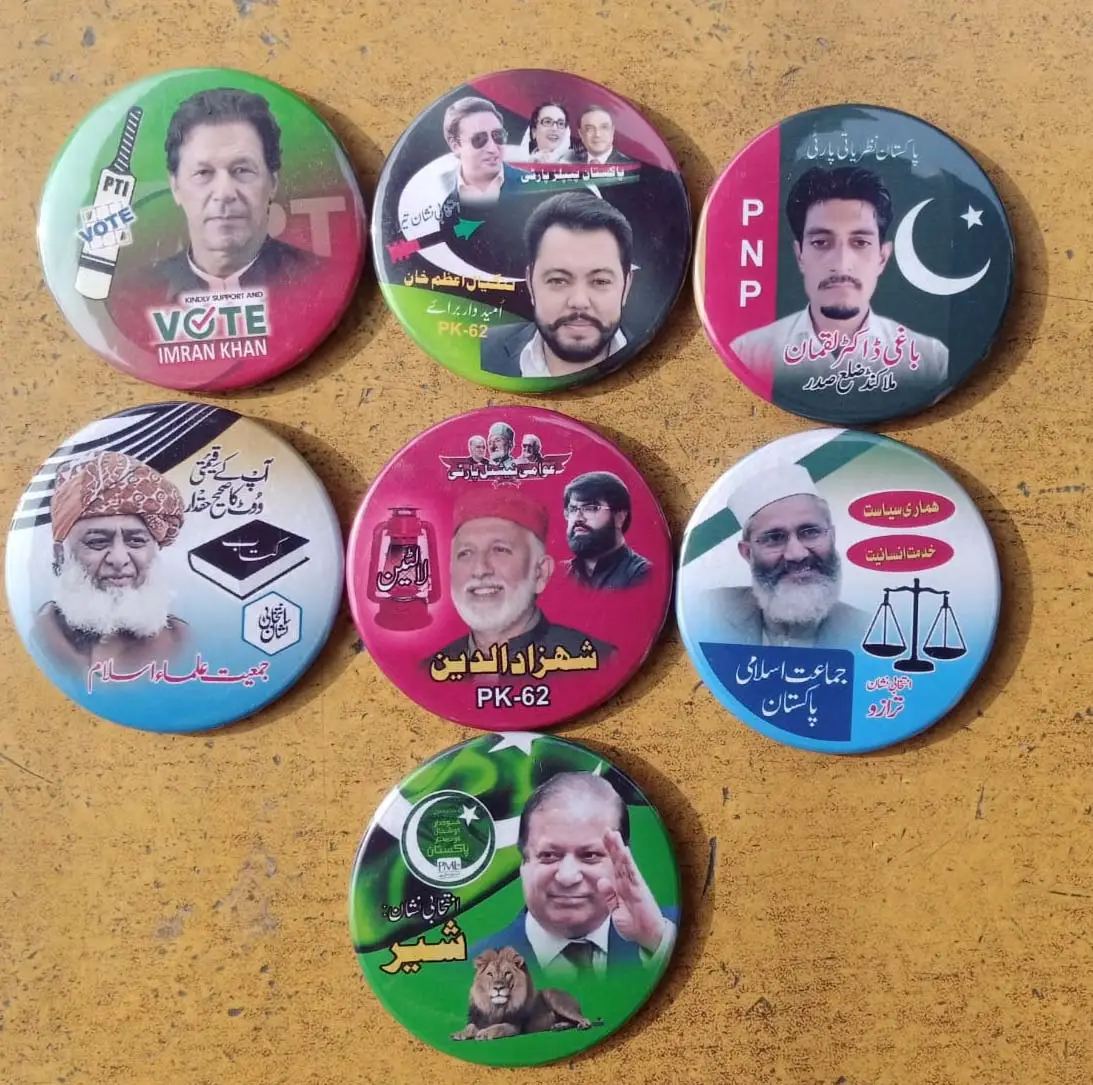
o get election badges printed, you can follow a similar process to the one used for printing T-shirts. Here’s a step-by-step guide:
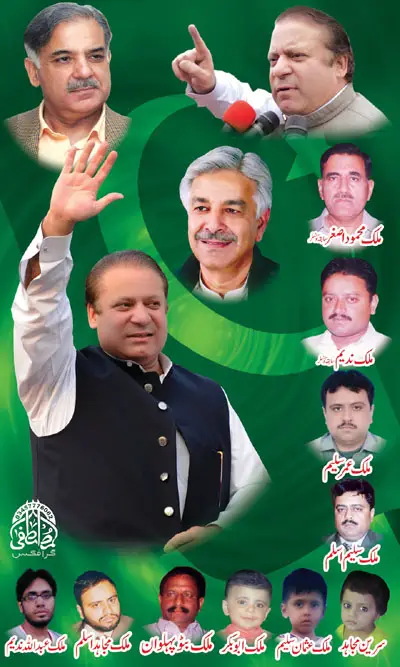
Design your Election Badge: Create a design for your election badge. Ensure that the design follows any election regulations and doesn’t infringe on copyright or trademark laws.
Select a Printing Company: Look for printing companies in Pakistan that offer custom badge printing services. You can search online or ask for recommendations from local businesses or acquaintances.
Request Quotes: Contact the printing companies and request quotes for the number of badges you want to print and the design specifications. Inquire about the different badge types they offer (e.g., pin-back badges, button badges) and the materials they use.
Compare Prices and Services: Compare the quotes you receive, considering both the cost and the quality of services provided. Ask for samples of their previous badge work to assess the printing and badge quality.
Place an Order: Once you’ve chosen a printing company that suits your needs, place an order for the election badges. Provide them with the design files and any other necessary information.
Confirm Details: Before production begins, verify all the details of your order, including the design, quantity, sizes (if applicable), and delivery date.
Make Payment and Proceed to Printing: Make the required payment according to the printing company’s terms. The printing process will commence once the payment is confirmed.
Delivery or Pickup: After the badges are printed, you can either have them delivered to your preferred address or arrange to pick them up from the printing company’s location.
Ensure that you comply with any election-related guidelines and restrictions while designing and distributing the election badges. Plan ahead to allow ample time for printing and delivery, particularly if you need the badges before specific election events or dates.
The process typically involves the following steps:
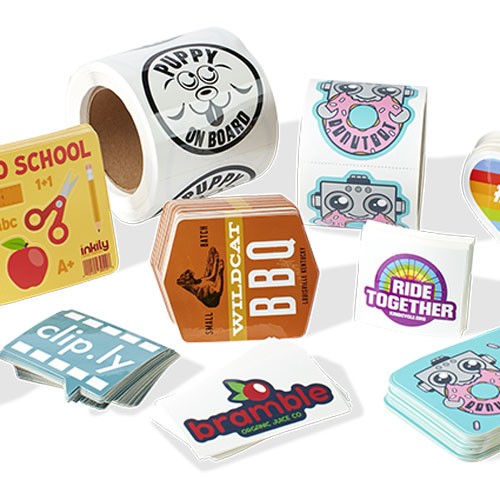
Design creation: You need to create or provide a digital design or image that you want to be printed on the sticker. This can be your own artwork, logo, photograph, or any other graphic element.
File preparation: Ensure that the design file is in a suitable digital format, such as JPEG, PNG, or vector-based formats like AI or EPS. Make sure the resolution and dimensions are appropriate for printing.
Printing: The digital design is printed onto a sticker material using specialized digital printers. These printers can produce high-quality prints with vibrant colors and sharp details.
Cutting: Once the design is printed, the sticker material is cut into the desired shape and size that matches the back cover of your mobile phone. This can be done manually or using automated cutting machines.
Application: The sticker is carefully applied to the back cover of the mobile phone, ensuring it aligns properly and adheres securely. It’s important to clean the surface before application to ensure good adhesion.
It’s worth noting that mobile back cover digital sticker printing services are often offered by professional printing companies or online platforms specializing in personalized merchandise. These services provide customization options, allowing you to choose from a range of designs or even create your own design. Prices and turnaround times may vary depending on the complexity of the design, quantity, and the printing service you choose.